
Court case management for agencies that are done with legacy systems
Run every case on one modern, cloud-based record. Case Management connects the people, events, documents, payments, and outcomes for each matter, so every reminder, filing, and report works from the same case record. It runs as your system of record when your agency chooses it to be.
See the job it does: Caseflow Management →
Looking up your own case or court date? eCourtDate serves courts and justice agencies. For the status of a case, a hearing, or a balance, contact the court that issued it.
- 10,000+
- Courts and justice locations on eCourtDate
- 24
- States with deployments
- 1
- Record per case, shared across every product
- CJIS
- Compliant, on AWS GovCloud (US)
Legacy court software was built to store cases, not to run them
That was a reasonable design in 1998, when the record was the whole job and everything else happened at a counter. It is why an agency running a legacy system today needs four other tools to reach a person, take a payment, issue a warrant, and report on any of it. eCourtDate keeps the record and runs the operation around it.
The record sits still
A case management system that only stores cases cannot reach the person, take the payment, or tell you what needs attention today. So staff bridge the gap by hand, in four other tools, and the record falls out of date the moment it is written.
Every change is a change order
A new case type, a new status, a new form. On a legacy system each one is a ticket, a quote, and a release window. Agencies end up shaping their operations around what the software already does rather than the other way round.
The cost never stops climbing
Servers, license renewals, upgrade projects, per-module fees, and the services engagement that never quite ends. The budget grows while the software stays the same, and none of it serves the public.
The public cannot get in
Staff-only, English-only systems push every routine question to the counter and the phone line. That is a service problem, a staffing problem, and, under WCAG 2.2 AA and language access obligations, a legal one.
None of this is a reason to start over. It is a reason to start somewhere. Turn on one product this quarter, connect it to what you run today, and move the case record when your team and your budget are ready.
One record per case, and everything reads it
A case in eCourtDate is a single authoritative record: the people, the events, the charges, the documents, the money, and the outcome. Every product on the platform reads and writes that record rather than keeping its own copy. That is the whole architectural difference, and it is where the re-keying, the reconciliation, and the "which system is right" arguments go.
People
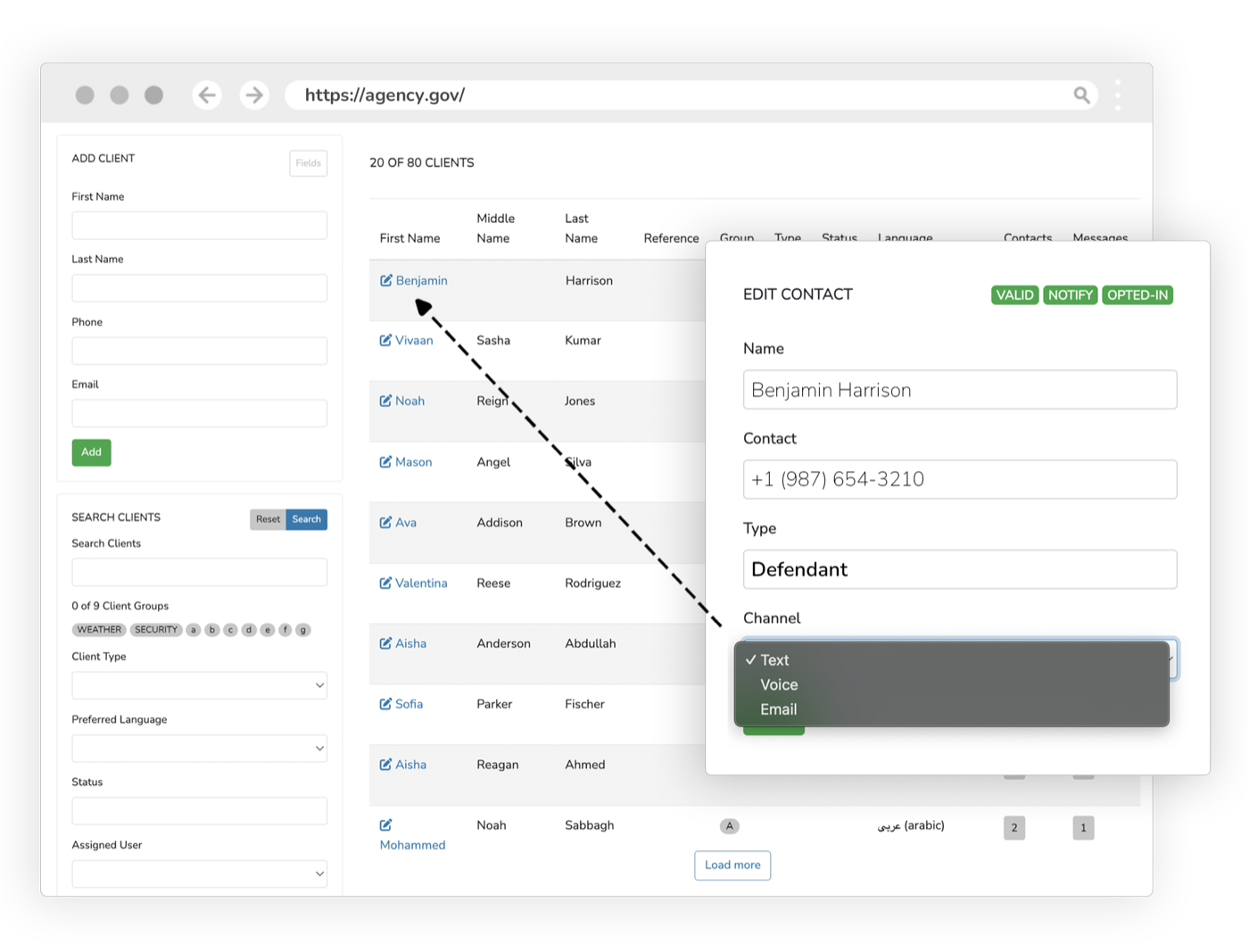
Every party, attorney, victim, witness, and officer on the matter, with validated contact details, language preference, and consent status. Shared with communications and supervision, so nobody is keyed in twice and nothing is sent to a number that stopped working two years ago.
Events
Hearings, deadlines, appearances, and check-ins, with judge, courtroom, and calendar assignment. Every reminder, every notice, and every portal date reads from this, so a continuance moves the whole chain automatically.
Charges and issues
The charges, counts, statutes, and pleas on a criminal matter; the claims and issues on a civil one. Kept on the same record as the disposition, so reporting never has to guess how one became the other.
Documents
Documents, orders, exhibits, and correspondence on the case, with full-text and character recognition search across scanned material.
Financial obligations
Assessments, fees, restitution, payment plans, and the ledger, on the case rather than in a separate finance system. The balance a clerk sees is the balance the person sees in the portal.
Outcomes
Dispositions, sentences, conditions, and results, written once and read by reporting, by supervision, and by the record-clearing workflows without an export or a reconciliation step.
What the case record makes possible
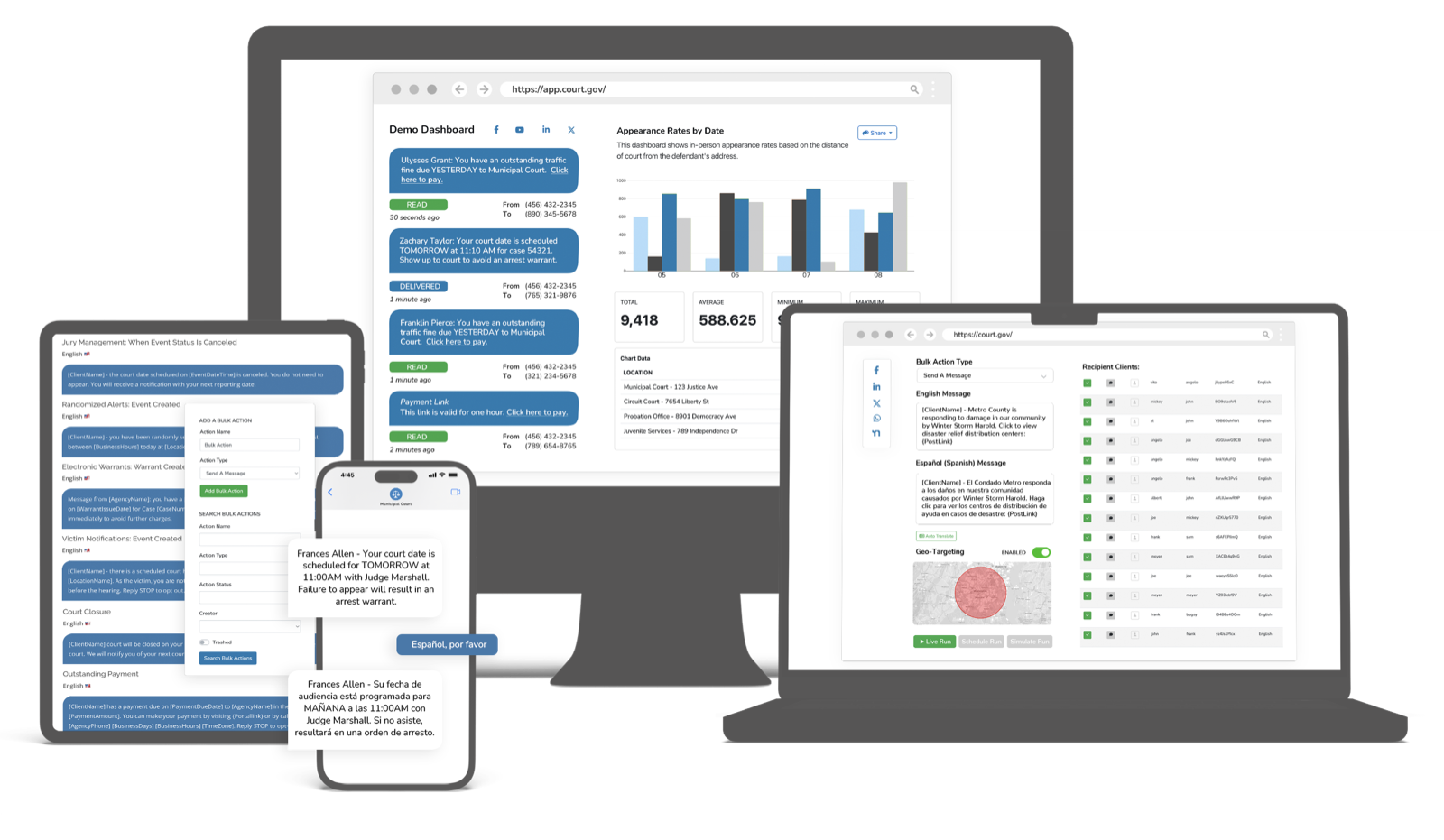
A case management product stops at the record. A justice operations platform runs the work that record implies. Each of these is a full product in its own right, and each one reads and writes the same case rather than syncing against it overnight.
Reminders go out because the case changed
A hearing is set, moved, or cleared and the notice follows, by text, email, voice, or mail, in the person’s language. No export, no list, no separate reminder tool that does not know the case was continued.
Messaging & Court RemindersPayments post to the case, not to a spreadsheet
The person pays from the portal or a text link, the ledger updates, the plan advances, and the past-due alert never goes out. Collections rise because the path is short, not because the letters got firmer.
Payments & CollectionsForms collect the information your staff need
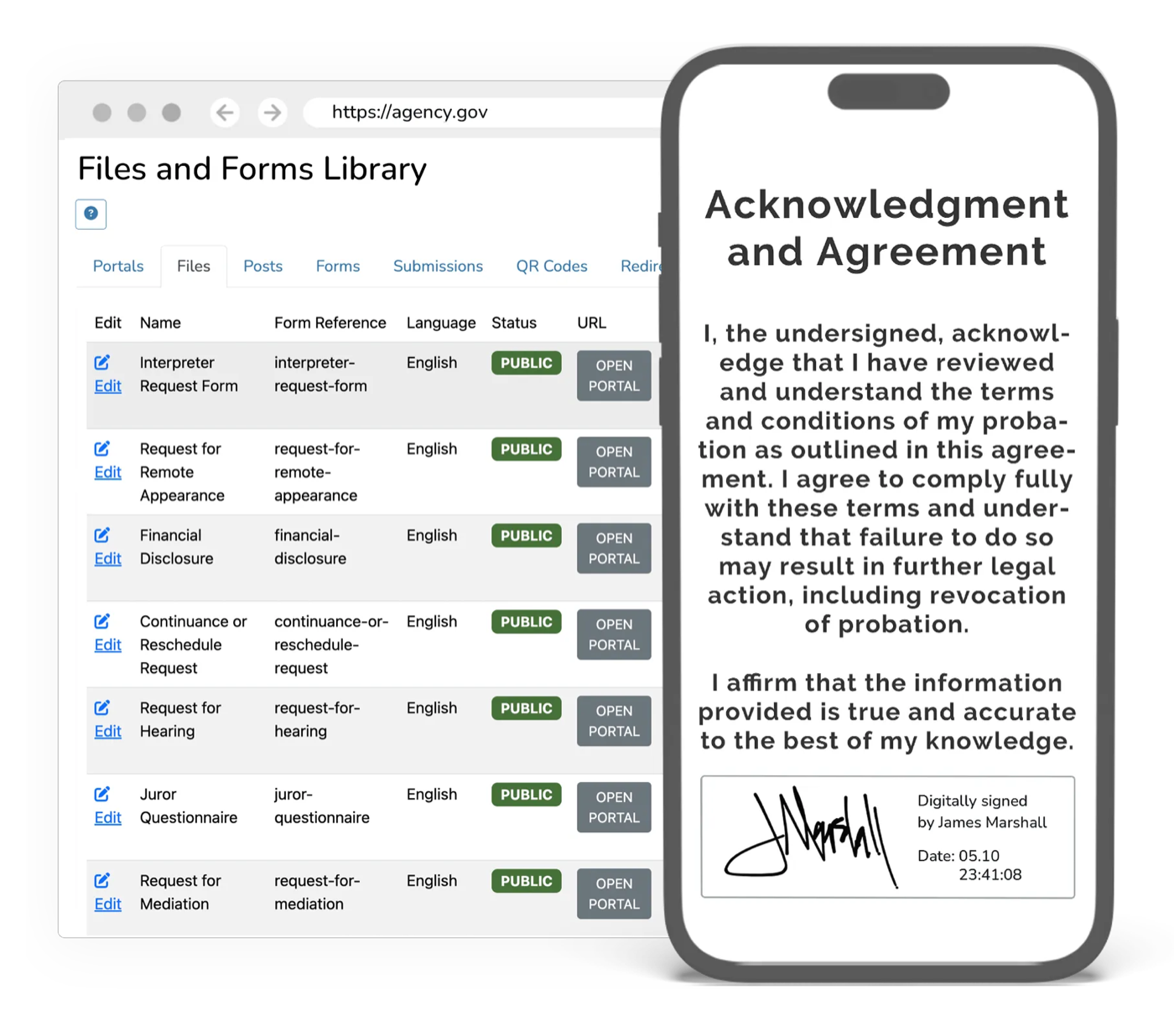
Configurable forms collect information and documents online, and route submissions to the staff who review them.
Forms & SubmissionsWarrants issue and clear against the case
A failure to appear generates the application, routing puts it in front of an available judge in minutes, and service and return post back to the same matter that produced it.
Electronic WarrantsJury runs from the same platform
Summons, qualification, deferrals, panel draws, and juror payment, on the platform that already holds your calendar and your communications.
Jury ManagementSupervision reads the conditions it enforces
Check-ins, geolocation, and compliance scoring work from the conditions on the case, and a violation is visible to the officer and the court at the same moment.
Community SupervisionReporting reads live cases
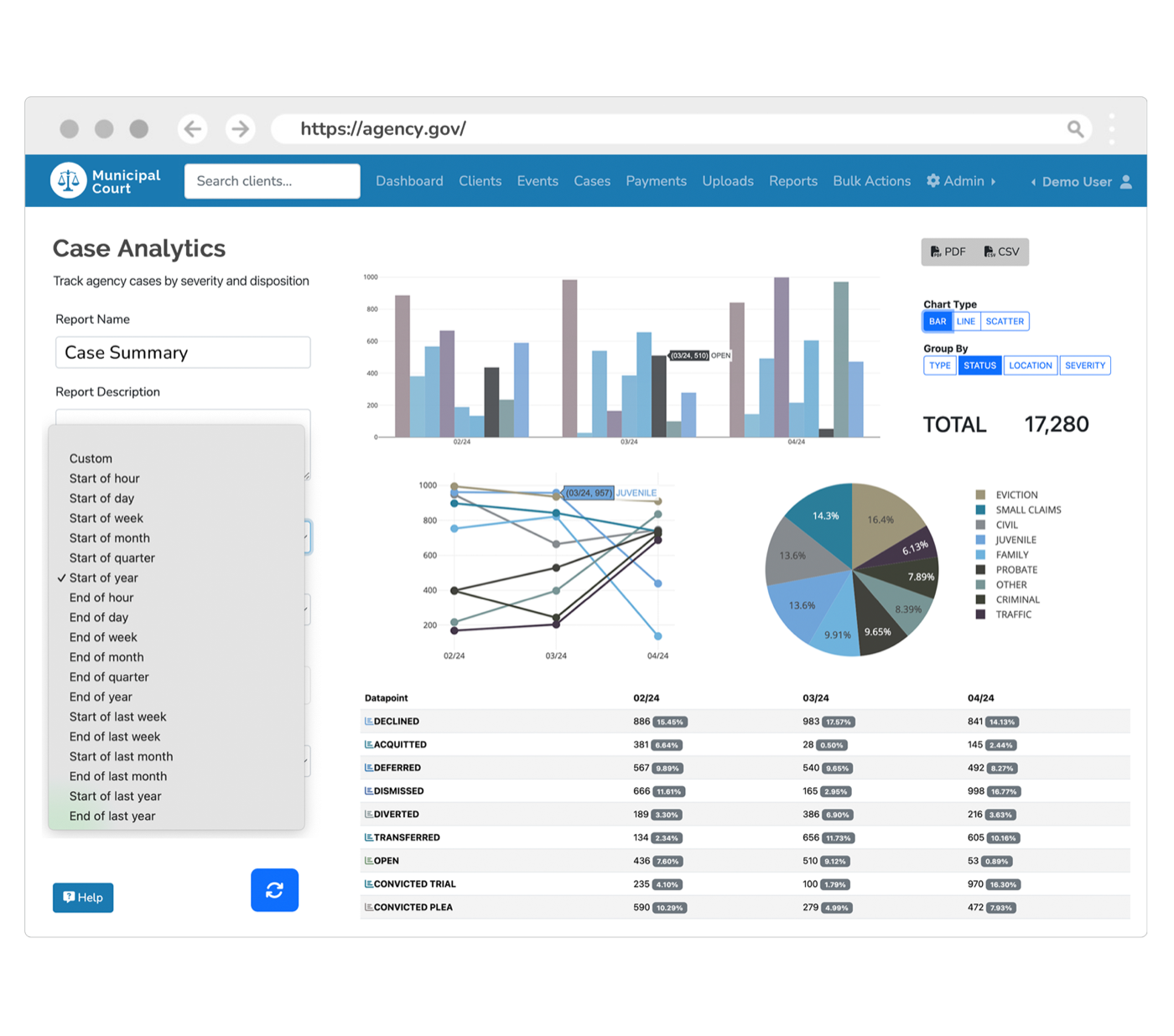
Clearance rates, age of pending caseload, time to disposition, and collections come from the cases as they move. Nobody assembles a monthly report from four exports.
Analytics & DashboardsThe phones stop ringing about routine questions
An AI voice assistant and chatbot answer "when is my court date", "what do I owe", and "how do I reschedule" from the live record, in 100+ languages, and hand off to a person when it should.
AI Chatbots & Voice
Everything inside Case Management
A complete case management system, configured to how your agency already works rather than to how a vendor built it.
One Record Per Case
People, events, charges, documents, payments, and outcomes for each matter live in one place, shared across every product.
Configurable Workflows
Model your own case types, statuses, and rules in an intuitive admin, with no code and no vendor change orders.
Roles & Audit Trails
Role-based access and a complete, tamper-evident history of every action on every case.
Built for Every Side
A configurable admin for staff, plus self-service portals for the public and for attorneys, all on the same record.
Connects to What You Keep
Run standalone, or exchange case data bi-directionally with the systems you keep, by REST API.
Reporting Built In
Operational and statistical reporting read straight from live case data, with no exports or reconciliation.
Your administrators change it. Not a change order.
Ask an agency why it is still running software it dislikes and the answer is rarely the software. It is that changing anything means a ticket, a quote, and a release window six months out, so the court reshapes itself around the system instead.
In eCourtDate the configuration is the product. Your administrators model case types, statuses, workflows, forms, roles, and notification rules in an intuitive admin, see the change immediately, and change it back if it was wrong. No code, no vendor, no waiting for the next release.
- Case types and statuses
- Model criminal, traffic, civil, family, juvenile, probate, and specialty dockets, each with its own lifecycle and required fields.
- Workflows and rules
- What happens when a case is filed, continued, disposed, or goes past due. Set the trigger and the action; no code, no release window.
- Forms and templates
- Orders, notices, and correspondence built from case data, with electronic signature and your own letterhead.
- Roles and permissions
- Field-level and document-level access by role, including restricted handling for sealed and confidential matters.
- Numbering and dockets
- Case numbering schemes, docket codes, and calendar structures that match how your court already refers to its own work.
- Notifications
- Which events notify whom, on which channel, in which language, with quiet hours and consent handled for you.
Documents and forms alongside the case
Collect information and documents through online forms and keep case documents with the matter. Staff can review submissions, find supporting records, and manage documents alongside the case.
Scanned material is read by character recognition and becomes searchable text, so a decade of paper that was digitized into a folder structure turns into a record you can actually query. Orders and notices are generated from case data with electronic signature, on your letterhead.
The counter, open at 11pm, in 100+ languages
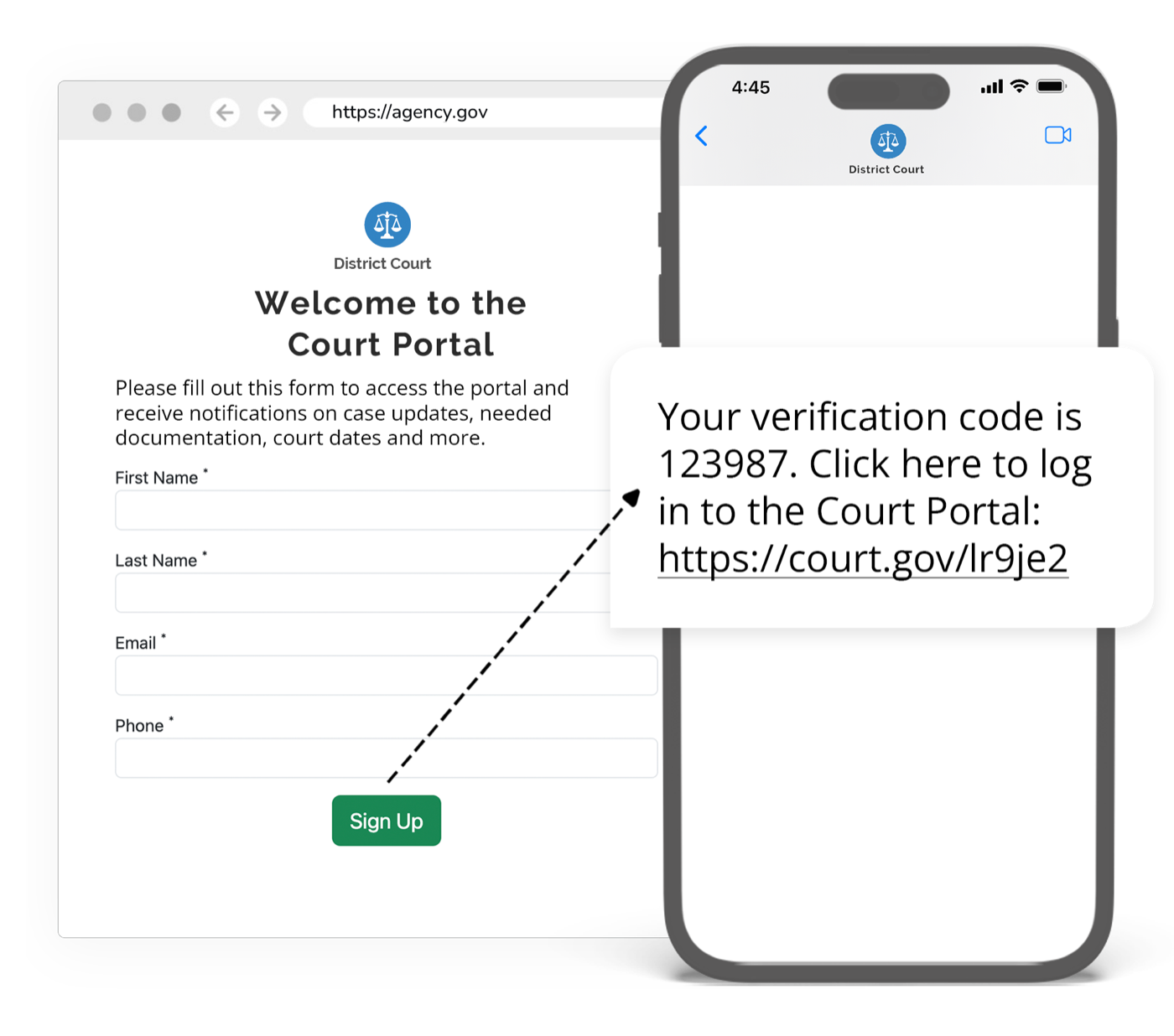
Self-service portals for the public and for attorneys read the same record your staff work in, scoped by role and by what your agency chooses to publish. A person checks their next court date, pays a balance, updates a phone number, or requests a reschedule without calling anyone.
The portals run on your agency’s own domain and carry your agency’s identity, because the public’s relationship is with the court, not with a software company. They are built to WCAG 2.2 AA, with a published VPAT, and they work on the phone most people actually own.
Reporting that reads the cases, not last month’s export
Clearance rates, age of pending caseload, time to disposition, continuance patterns, collections, and failure-to-appear (FTA) rates come straight from live case data. There is no separate reporting database, no overnight extract, and no month-end assembly job that one person knows how to run.
State reporting obligations are met from the same data rather than a parallel process, and leadership can filter by court, division, judge, case type, or date range without asking anyone to build a report first.
What Case Management includes
Court case management software that combines case tracking with the filings, payments, supervision, and reports that read from the same record. Every row below is part of one modern cloud record.
| Field | What it holds |
|---|---|
| People | Every party on the matter, shared with communications and supervision so nobody is keyed in twice. |
| Events | Hearings and deadlines, the dates every reminder and calendar works from. |
| Charges | The charges on the matter, kept on the same record as the outcome. |
| Documents | Documents and attachments on the case, alongside the parties, hearings, and case history. |
| Payments | Assessments, reminders, and the ledger on the case. GovPayPlan processes the payment. |
| Outcomes | Dispositions and results, read by reporting without an export. |
| Feature | Detail |
|---|---|
| Case types, statuses, and rules | Modeled in an intuitive admin, with no code and no vendor change orders. |
| Roles | Role-based access for staff, with self-service portals for the public and for attorneys on the same record. |
| Audit trail | A complete, tamper-evident history of every action on every case. |
| Reporting | Operational and statistical reports read straight from live case data. |
| Connections | Runs standalone, or exchanges case data bi-directionally by REST API with the systems you keep. |
| Hosting | CJIS compliant, on AWS GovCloud. |
How a court moves onto eCourtDate
No multi-year implementation project, and no weekend where everything changes at once.
- 1
Model your cases
Configure case types, statuses, and workflows to match how your agency actually operates.
- 2
Bring your data
Migrate existing case history and connect the systems you keep, so nothing is lost.
- 3
Run the operation
Communications, filings, payments, and supervision all read and write the same record.
- 4
Measure outcomes
Live dashboards and reports turn day-to-day activity into evidence and oversight.
Your history comes with you
The fear that keeps agencies on systems they have outgrown is rarely about features. It is about the decades of records sitting inside them. Conversion into eCourtDate is mostly automated: cases, parties, events, documents, financials, and notes migrate intact, and every record is validated and reconciled against your source so you can prove nothing was lost or altered.
- 01
Send your data
Flat file exports (CSV, TXT, XLSX) or a secure, read-only connection to your database. That is the one thing your agency has to provide.
- 02
Automated mapping
The pipeline profiles every field, detects types and relationships, and maps each one into the eCourtDate model. Your team reviews the mapping before anything moves.
- 03
Validate and reconcile
Records are transformed, then reconciled by count and by content against your source. Issues are flagged rather than buried, so you can prove nothing was lost.
- 04
Run in parallel, then cut over
Start with one case type or one division and run both systems side by side until your team is ready. Retire the old system when it has stopped being useful, not before.
Connect what you keep, replace what no longer works
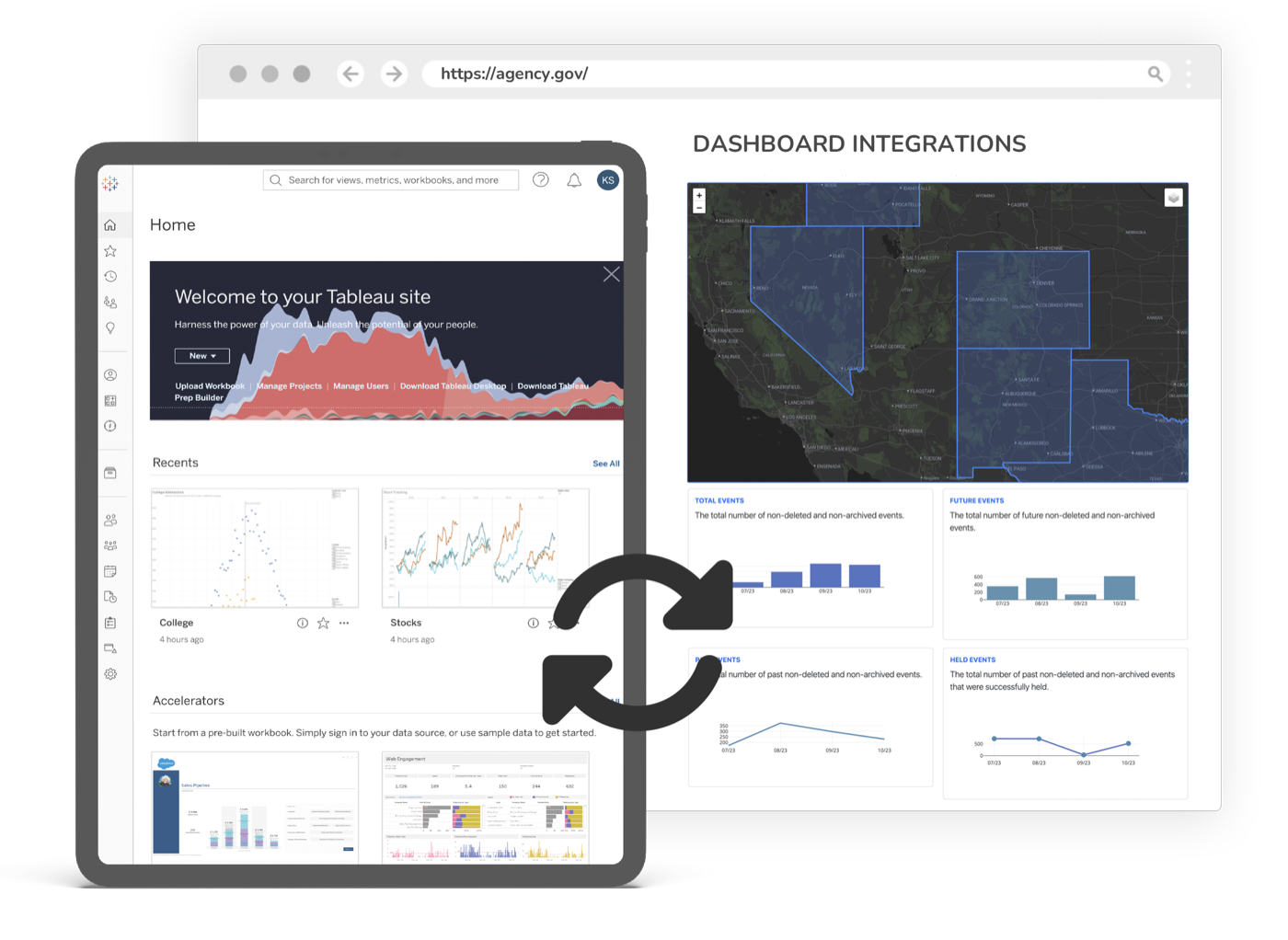
Very few agencies replace everything at once, and none should have to. eCourtDate exchanges case data bi-directionally with the systems you are keeping, by open REST API, webhooks, and SFTP, so the interfaces feeding your jail, your prosecutor, your state reporting, and your public portal do not all have to be rebuilt in the same month.
Connections use interfaces the other system documents or your license permits, with credentials your agency issues, scopes, and can revoke at any time. When the case record moves to eCourtDate, those same interfaces keep running.
Built for the security a case record requires
Case data is criminal justice information, and it is often the most sensitive data an agency holds. eCourtDate runs with no on-premises components to patch, no servers for your team to maintain, and no upgrade project to schedule.
CJIS compliant
Configured to the Criminal Justice Information Services security policy, hosted exclusively in AWS GovCloud (US), which holds FedRAMP High authorization.
Encrypted in transit and at rest
TLS 1.2+ in transit and AES 256-bit at rest, through FIPS 140-2/140-3 validated cryptographic modules.
Single sign-on and MFA
SAML and OAuth with your identity provider, SCIM provisioning, and multi-factor authentication on every account.
Complete audit trails
Every action on every case, attributed and timestamped, retained for as long as your retention policy requires.
WCAG 2.2 AA and 100+ languages
The staff admin and the public portals are built to WCAG 2.2 AA, with a published VPAT, and communications reach people in 100+ languages.
Your data is yours
Bulk export in JSON, CSV, or SQL at any time, plus an open REST API, webhooks, and SFTP. No professional-services engagement to get your own records back.
Move every case forward without manual handoffs
Move cases through their lifecycle automatically, so deadlines are met and nothing stalls in a handoff.
Built for every agency that keeps a case record
One platform across a single municipal court, a multi-division county, a statewide program, and the prosecutors and defenders who work the same matters.
Municipal & Justice Courts
High-volume courts with limited staff need automation that works from day one. eCourtDate handles the repetitive work so clerks can focus on the people in front of them.
Learn moreCounty & District Courts
Multi-department courts managing complex case types need a platform that coordinates work across divisions, judges, and locations.
Learn moreState Court Administration
State offices need statewide consistency, centralized analytics, and the ability to deploy programs across hundreds of courts simultaneously.
Learn moreProsecutors & Public Defenders
Attorneys need fast access to case documents, streamlined filing workflows, and reliable victim and witness communication.
Learn more
Court case management questions, answered
What administrators, presiding judges, and IT directors ask before an agency moves its case record.
Can eCourtDate be our case management system?
What is court case management software?
Does eCourtDate replace our current case management system, or work alongside it?
Will we lose our case history if we modernize?
How long does implementation take?
Do we have to move everything at once?
What case types does it handle?
Can our staff change workflows without calling the vendor?
How do we collect information and documents online?
Are payments part of case management?
Does case management include reporting?
Can the public and attorneys see their own cases?
Who can see what?
Is there an audit trail?
Where does our data live, and who owns it?
Can we get our data out?
Does it integrate with the systems we are keeping?
What does it cost?
How do we buy it?
Is it accessible?
What happens to the integrations we already built?
How many agencies run on eCourtDate?
See your own cases in eCourtDate
A working demo with your case types, your docket codes, and your workflows. Bring a sample export and see your own records in it.