
Forms & Submissions Management
Build any form your agency needs with a drag-and-drop builder and advanced conditional logic, publish it to portals, links, and QR codes, then manage submissions with bulk spreadsheet-style tools, and trigger workflows automatically from what comes in.
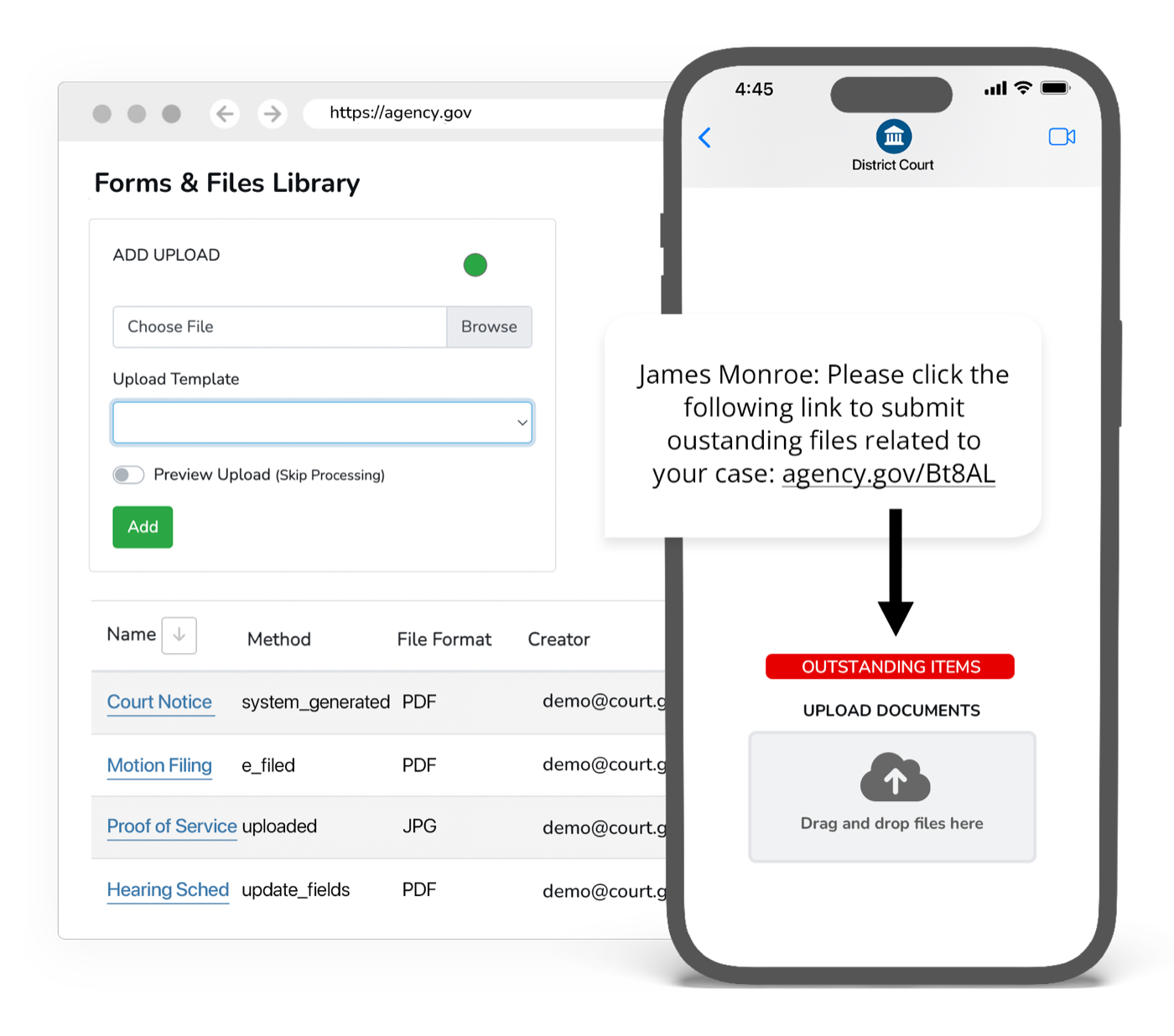
Paper and PDF forms create work; they don’t reduce it.
A static PDF still has to be printed, filled, scanned, and re-keyed, and nothing happens automatically when it comes back. A real forms platform collects clean, structured data online, lets staff manage submissions in bulk, and turns each submission into the next step in a workflow.
What it does
Every capability inside Forms & Submissions: built in, configurable, and connected to the rest of the platform.
Advanced Form Builder
Build any form with a drag-and-drop builder: field types, validation, and layout, no code required.
Conditional Logic
Show, hide, require, and route fields based on prior answers so people only see what applies to them.
Public & Self-Enroll Forms
Publish forms to portals, links, and QR codes, including self-enroll forms that create client records.
Bulk Submissions Management
Review, filter, edit, and export submissions with bulk spreadsheet-style tools.
Workflow Triggers
Each submission can trigger a custom workflow: notifications, tasks, routing, or case actions.
Multilingual & Accessible
Forms render in 100+ languages and meet accessibility standards out of the box.
Outcomes
No code
Build and publish any form yourself
Structured
Clean data instead of scanned PDFs
Auto
Submissions trigger the next workflow step
Forms & Submissions inherits the whole platform
Security, accessibility, configurability, and language access are not add-ons. Every product runs on the same government-grade foundation.
Security & Compliance
CJIS, FIPS 140-3, AWS GovCloud, SSO, and complete audit trails.
Accessibility
WCAG 2.2 AA, ADA, and Section 508 across every interface.
Configurability
Per-jurisdiction rules, templates, branding, and role-based access.
Language Access
100+ languages with automatic detection on every channel.
Works with what you already run
Forms & Submissions syncs bi-directionally with your case management system. It connects, it doesn’t replace.
Explore more of the platform
Every product shares the same data, security, and integrations. Add one and it’s already connected.
Messaging & Court Reminders
Behavioral, multi-channel reminders that cut failure-to-appear rates and keep every case moving.
Learn moreAI Chatbots & Voice
Answer the public 24/7 across chat, voice, email, and text, in 100+ languages, without adding staff.
Learn moreWeb Portals
Branded self-service portals for case info, documents, payments, files, and check-ins.
Learn more
Forms & Submissions questions, answered
What kinds of forms can we build in eCourtDate?
What happens after someone submits an eCourtDate form?
Do eCourtDate forms work for people who do not speak English or use assistive technology?
How do people reach an eCourtDate form, and can the data flow into our other systems?
See Forms & Submissions in action
Get a demo tailored to your agency: the product, the integrations, and the security in one session.