
Caseflow Management
Routing, deadlines, notifications, and cross-department steps run on their own, triggered by the events already in your case data. Staff stop pushing paper between desks and start working the exceptions, cutting weeks off processing time.
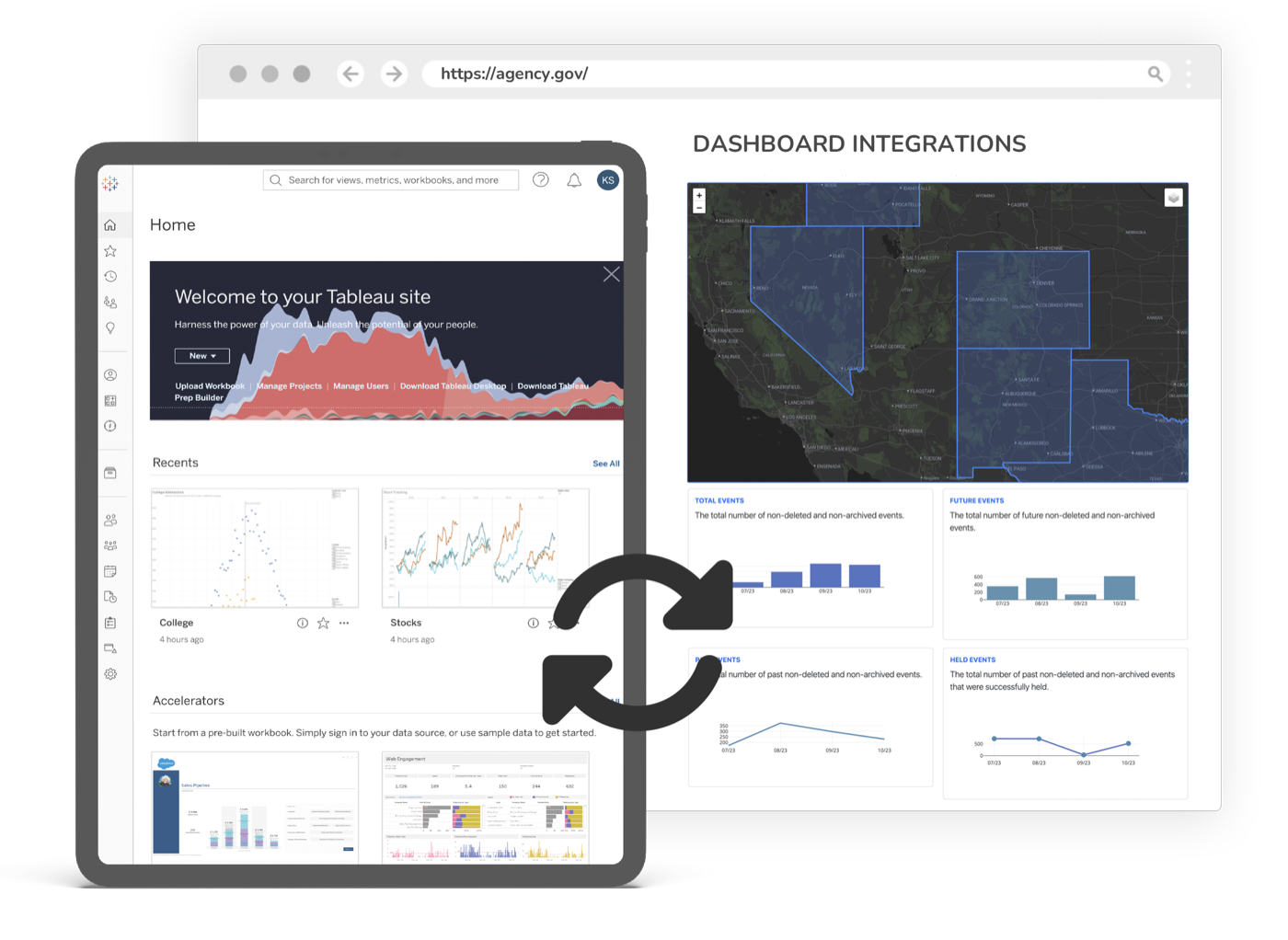
Move every case forward without manual handoffs
Move cases through their lifecycle automatically, so deadlines are met and nothing stalls in a handoff.
Cases wait on people, not on the law
A filing sits in an inbox, a task waits for someone to notice it, an order never reaches the next desk. Most delay is handoff delay, not legal complexity.
Deadlines are tracked by memory and spreadsheets
Statutory clocks and service-level targets live in someone’s head or a side spreadsheet, so a missed deadline surfaces only after it is already missed.
Every division reinvents its own process
Criminal, civil, family, and probate each run slightly different manual routines, with no shared view of where a case actually is.
The CMS records the case but does not move it
Your case management system holds the record, but it waits for staff to act. Nothing nudges the next step, escalates a stall, or notifies the next party.
From your case data to the outcome
- 01
Map the lifecycle
Start from a pre-built case-type template or build your own in a visual rule engine: the stages, the deadlines, the owners, and the handoffs.
- 02
Connect your case data
eCourtDate reads case events from your case management system and writes activity back, so the workflow runs on the real docket without duplicate entry.
- 03
Automate the routine
Cases route to the right desk, tasks are created and assigned, notices go out, and statutory clocks and SLAs are enforced with automatic escalation when a threshold is missed.
- 04
Watch the bottlenecks
Dashboards show processing time, stalls, and resolution rates across every division, so leadership can see and fix where work actually backs up.
What it does
Intelligent Case Routing
AI routes cases to the correct department, judge, or officer based on case type, jurisdiction, and workload.
Automated Task Management
Tasks are created, assigned, and tracked automatically as cases progress through each stage.
SLA Enforcement
Deadlines and service-level agreements are enforced with automated escalation when thresholds are missed.
Cross-Department Coordination
Workflows span criminal, civil, family, and probate divisions with unified tracking and reporting.
Template Library
Pre-built case lifecycle templates for common case types. Customize or build your own with a visual rule engine.
Outcome Analytics
Track case processing times, bottlenecks, and resolution rates across every workflow.
A docket that advances itself
Routing, reminders, deadlines, and notifications happen the moment a case event lands, across every division, on the same record. Staff are no longer the engine that moves each case from one step to the next; they supervise the flow and step in only where judgment is required. The backlog shrinks because nothing waits in an inbox.
Weeks
Cut from case processing time
10,000+
Courts and justice locations on eCourtDate
24
States with deployments
What powers this work
This outcome runs on products you can adopt together or one at a time. Every product shares the same data, security, and integrations.
Case Workflow Automation
Automate the case lifecycle: routing, tasks, jurisdiction deadlines, SLAs, and cross-department coordination.
Learn moreCase Management
One modern record for every case, shared across communications, filings, payments, and supervision.
Learn moreScheduling & Calendars
Manage events, hearings, and court calendars, and let the public self-schedule against your rules.
Learn moreDocument Operations
Read, extract, validate, and compliance-check documents with OCR and automated classification.
Learn moreData Dashboards
Real-time dashboards on your eCourtDate data: private and secure, or public and shareable.
Learn more
Compliant, accessible, and accountable by default
Every capability runs on the same government-grade foundation. See the security overview.
CJIS compliant
On AWS GovCloud, with SSO, role-based access, and complete audit trails.
TCPA & opt-in
Consent, opt-out, and quiet-hours enforced automatically on every send.
WCAG 2.2 AA
Accessible to the public across every interface and channel.
100+ languages
Automatic detection and translation on every message and portal.
Frequently asked questions
Common questions about caseflow management with eCourtDate.
What does case workflow automation actually automate?
Can eCourtDate connect to the systems we already have?
How are workflows configured?
How does this reduce processing time?
Can a person still review or override a step?
Is it secure and auditable?
Built for these agencies
State Court Administration
State offices need statewide consistency, centralized analytics, and the ability to deploy programs across hundreds of courts simultaneously.
County & District Courts
Multi-department courts managing complex case types need a platform that coordinates work across divisions, judges, and locations.
See Caseflow Management in action
Get a demo tailored to your agency's workflows.