
Document Operations
Turn scanned and digital documents into structured, validated, court-ready data. OCR and automated classification read and extract the details, while built-in validation and format-compliance checks catch incomplete or non-compliant documents before they enter the file.
See the job it does: Document Intelligence →
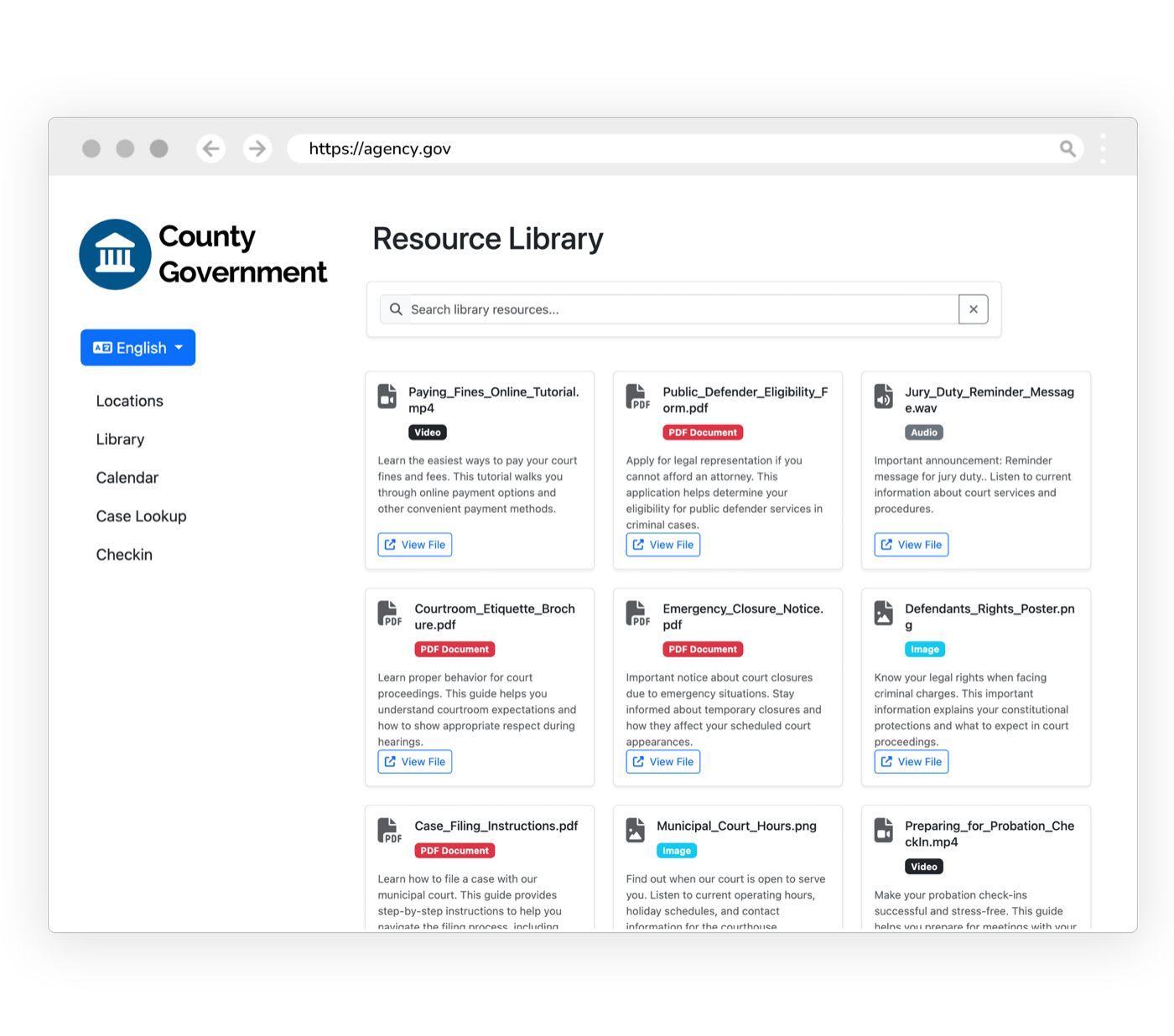
Documents arrive unread, unvalidated, and sometimes non-compliant.
Case details sit locked in PDFs and scans no system can read, so staff re-key them, and no one checks whether a document is complete, properly formatted, or compliant until it’s already in the file. Document Operations reads every document, extracts the fields, and validates format and compliance before it moves downstream.
What it does
Every capability inside Document Operations: built in, configurable, and connected to the rest of the platform.
OCR Processing
Convert scanned documents into searchable, structured text with high accuracy.
Data Extraction
Pull names, dates, case numbers, and key fields from any document automatically.
AI Classification
Automatically categorize documents by type, priority, and related case.
Document Validation
Check completeness, required fields, and signatures before a document is accepted.
Format & Compliance Checking
Verify documents meet court formatting, redaction, and jurisdiction-specific rules.
Batch Processing
Process hundreds of documents at once, flagging discrepancies for review.
Chain of Custody
Immutable access logs and version tracking on every document, court-admissible and exportable.
Enhanced by AI Detection
Flag AI-generated filings, fabricated citations, and synthetic evidence for human review before they enter the record.
Outcomes
Validated
Documents checked before they enter the file
Seconds
To read and extract what took minutes by hand
Compliant
Formatting and redaction rules enforced automatically
Document Operations inherits the whole platform
Security, accessibility, configurability, and language access are not add-ons. Every product runs on the same government-grade foundation.
Security & Compliance
CJIS, FIPS 140-3, AWS GovCloud, SSO, and complete audit trails.
Accessibility
WCAG 2.2 AA, ADA, and Section 508 across every interface.
Configurability
Per-jurisdiction rules, templates, branding, and role-based access.
Language Access
100+ languages with automatic detection on every channel.
Works with what you already run
Document Operations syncs bi-directionally with your case management system. It connects, it doesn’t replace.
Get the data off paper, without typing it
Turn the documents flowing through the agency into structured, searchable, court-ready data, without manual entry.
Explore more of the platform
Every product shares the same data, security, and integrations. Add one and it’s already connected.
Electronic Warrants
A complete warrant system: prepare, route, swear in, e-sign, serve, and track, with a permanent chain of custody.
Learn moreElectronic Citations
Issue citations paperlessly from the field with real-time case-system sync and payment links.
Learn moreMagistration
Run the full first-appearance workflow on one record: arrest intake, the magistration hearing, bail decisions, protective orders, and counsel appointment, configured to your county.
Learn more
Document Operations questions, answered
What does eCourtDate Document Operations do with our scanned and digital documents?
Can we validate documents for completeness and format before they enter the file?
Does Document Operations keep a defensible record of who touched each of our documents?
Can Document Operations work with the case management system we already run?
See Document Operations in action
Get a demo tailored to your agency: the product, the integrations, and the security in one session.