
Filing Operations
Let attorneys, agencies, and self-represented litigants file correctly from anywhere at any hour, and move every submission from intake to docketed and served without a clerk re-keying it. Errors are caught before the queue, not three days later.
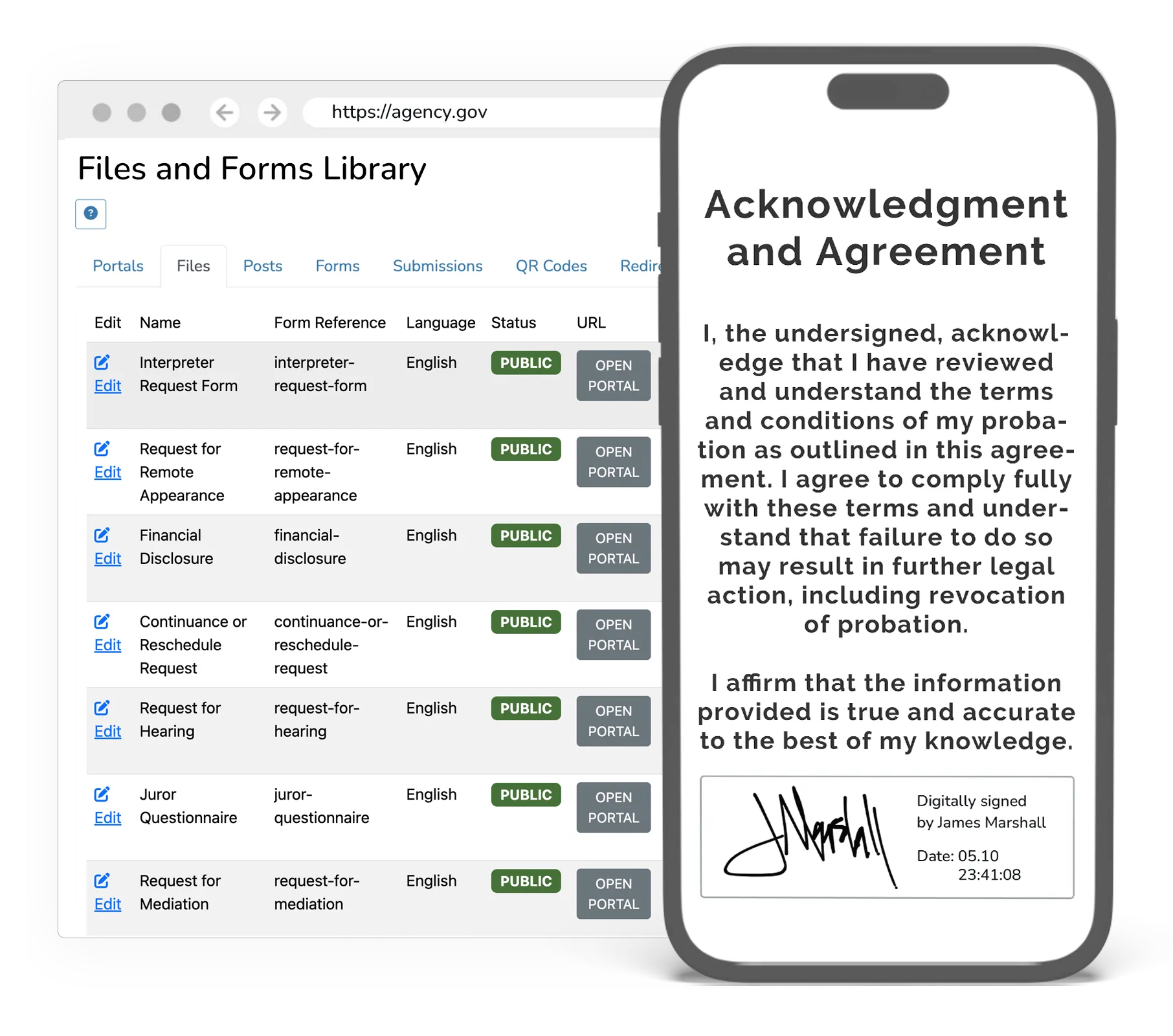
Take filings off the counter
Move every filing from submission to docketed, served, and on the record, without a clerk re-keying it or a filer waiting days to learn something was wrong.
The counter sets the pace of the docket
Filings arrive in person and by mail, then wait to be date-stamped, sorted, and entered by hand. Nothing moves faster than that queue, and while it moves, staff answer phone calls from filers asking where their document stands.
A rejection lands days later, after the deadline
A missing signature, the wrong form, or an unpaid fee is caught long after the filing was submitted. By the time the filer hears, the deadline can be gone, and the fix costs a motion, a hearing, or a continuance nobody needed.
Self-represented filers get it wrong
People without attorneys file on the wrong form, in the wrong division, missing a signature, an exhibit, or a fee waiver. Clerks spend their day rejecting and re-explaining instead of clearing the queue, and the filer comes back to the counter twice.
Everything gets typed a second time
Each accepted document is keyed from paper into the case management system, then served, then noted, each step a chance to mismatch a case number or a party. It is duplicate work on top of work already done.
From your case data to the outcome
- 01
File from any device, at any hour
Attorneys, agencies, and self-represented filers submit pleadings, motions, and exhibits online, guided by plain-language steps in their language. The file-stamp is set at submission, so the counter’s hours stop setting the deadline.
- 02
Catch the problem before the queue
Completeness, format, signatures, case type, and confidential material are checked before a clerk ever sees the filing, and the fee or the waiver request travels with it. Filers fix things in the minute, not in three days.
- 03
Review once, decide once
Clerks accept, return for correction, or reject with a reason the filer can act on, and corrections come back on the same submission with every timestamp intact. The queue clears in one pass instead of several.
- 04
Docket, serve, and notify
Accepted filings post to the case record and sync to the systems you keep, every party is served with a certificate on the record, and proposed orders route to chambers for signature.
What it does
Any-Hour Intake
Filings are accepted around the clock and stamped at submission, so a court’s counter hours stop deciding whether a filer made the deadline.
Right the First Time
Guided, plain-language steps in 100+ languages and pre-submission checks stop the errors that generate most rejections.
One-Pass Clerk Review
Accept, return for correction, or reject with a reason the filer can act on, with corrections coming back on the same submission.
Fees and Waivers at Submission
The fee is computed and collected with the filing, and a waiver request routes with it instead of requiring a trip to the counter.
Service Without the Chase
Every party on the service list is served with the filing and the certificate lands on the record, so service stops being a separate errand.
One Entry, Not Two
Accepted filings docket to the case record and sync to the systems you keep, which ends the re-keying and the mismatches it causes.
A clerk’s office that is not a queue
Filings arrive correct and complete because the problems were caught before submission, and they route themselves to the right desk and post to the record without re-keying. Self-represented filers are guided to get it right the first time, so clerks stop rejecting and re-explaining and start clearing work. Service goes out with the filing, proposed orders reach chambers the same day, and the phone stops ringing about where a document stands. The counter line gets shorter because most of it never needed to be a line.
10,000+
Courts and justice locations on eCourtDate
24
States with deployments
100+
Languages for guided filing
What powers this work
This outcome runs on products you can adopt together or one at a time. Every product shares the same data, security, and integrations.
Electronic Filing
Run the filing path end to end: guided submission, validation, clerk review, fees and waivers, eService, proposed orders, and docketing.
Learn moreForms & Submissions
A full forms builder with conditional logic: collect, manage, and route submissions into workflows.
Learn morePayment Reminders
Increase collections with automated, multi-channel payment reminders and plan tracking. Paying happens in GovPayPlan.
Learn moreDocument Operations
Read, extract, validate, and compliance-check documents with OCR and automated classification.
Learn moreCase Workflow Automation
Automate the case lifecycle: routing, tasks, jurisdiction deadlines, SLAs, and cross-department coordination.
Learn moreAI Detection
Flag AI-generated filings, fabricated citations, and synthetic evidence for human review before they enter the record.
Learn more
Compliant, accessible, and accountable by default
Every capability runs on the same government-grade foundation. See the security overview.
CJIS compliant
On AWS GovCloud, with SSO, role-based access, and complete audit trails.
TCPA & opt-in
Consent, opt-out, and quiet-hours enforced automatically on every send.
WCAG 2.2 AA
Accessible to the public across every interface and channel.
100+ languages
Automatic detection and translation on every message and portal.
Frequently asked questions
Common questions about filing operations with eCourtDate.
How much clerk time does electronic filing actually save?
Will filings still pile up waiting for review?
Who can file, and what if they do not have an attorney?
Can our high-volume filers submit in bulk?
Can we keep our own filing rules and review workflow?
Can eCourtDate connect to the systems we already have?
Built for these agencies
County & District Courts
Multi-department courts managing complex case types need a platform that coordinates work across divisions, judges, and locations.
State Court Administration
State offices need statewide consistency, centralized analytics, and the ability to deploy programs across hundreds of courts simultaneously.
Prosecutors & Public Defenders
Attorneys need fast access to case documents, streamlined filing workflows, and reliable victim and witness communication.
See Filing Operations in action
Get a demo tailored to your agency's workflows.