
Client Management
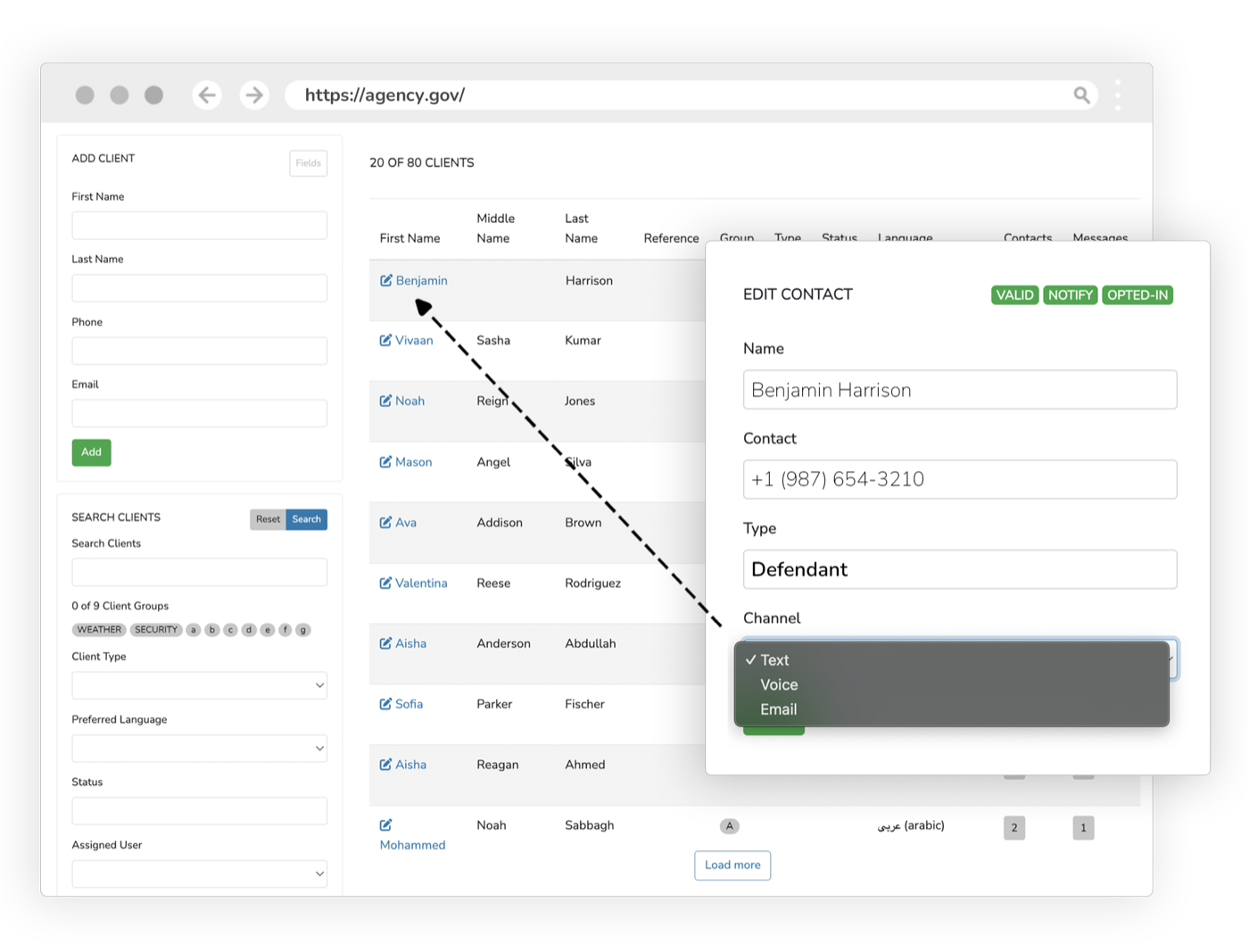
Give every person you serve, from defendants and victims to witnesses, jurors, and probationers, one record shared across every product. Assign tasks, upload photos, share documents, and let clients sign in to a branded portal to manage their preferences and see what you’ve sent.
Every product touches the same people, but the people live in no single place.
A defendant is also a payer, a portal user, and maybe a supervised client. When each product keeps its own copy of that person, data drifts, history fragments, and staff re-enter the same details. Client Management gives every person one profile the whole platform shares, and a portal where they manage their own preferences, tasks, and documents.
What it does
Every capability inside Client Management: built in, configurable, and connected to the rest of the platform.
Client Records
One profile for every defendant, victim, witness, juror, and probationer, shared across messaging, payments, scheduling, and supervision.
Photos & Identification
Upload client photos and identification to confirm who you’re working with across the platform.
Contact Preferences
Clients manage their own channels, language, and quiet hours, and you respect them automatically.
Task Assignment
Assign tasks to clients, set due dates, and track completion from the same record.
Assigned Documents
Share documents to a client’s portal and see when they’ve been viewed or completed.
Client Portal Sign-In
Clients sign in to a branded portal to manage preferences, complete tasks, and access what you’ve sent.
Unified Contact History
Every message, payment, event, and document tied to the person. One timeline, no duplicate entry.
Outcomes
One
Profile per person, shared platform-wide
Self-service
Clients manage their own preferences & tasks
↓
Duplicate data entry across products
Client Management inherits the whole platform
Security, accessibility, configurability, and language access are not add-ons. Every product runs on the same government-grade foundation.
Security & Compliance
CJIS, FIPS 140-3, AWS GovCloud, SSO, and complete audit trails.
Accessibility
WCAG 2.2 AA, ADA, and Section 508 across every interface.
Configurability
Per-jurisdiction rules, templates, branding, and role-based access.
Language Access
100+ languages with automatic detection on every channel.
Works with what you already run
Client Management syncs bi-directionally with your case management system. It connects, it doesn’t replace.
Explore more of the platform
Every product shares the same data, security, and integrations. Add one and it’s already connected.
Messaging & Court Reminders
Behavioral, multi-channel reminders that cut failure-to-appear rates and keep every case moving.
Learn moreAI Chatbots & Voice
Answer the public 24/7 across chat, voice, email, and text, in 100+ languages, without adding staff.
Learn moreWeb Portals
Branded self-service portals for case info, documents, payments, files, and check-ins.
Learn more
Client Management questions, answered
Who gets a record in eCourtDate Client Management?
Can clients manage their own contact preferences?
Is client data in eCourtDate secure?
Can eCourtDate share these records with the case system we already run?
See Client Management in action
Get a demo tailored to your agency: the product, the integrations, and the security in one session.