
Reports & Alerts
Build a report on any data your agency tracks and put it on a schedule: daily, weekly, monthly, quarterly, or yearly. Results are emailed automatically to the recipients you define, including whole user roles mapped to your SSO, so the list maintains itself. Set threshold monitors to alert the right people the moment a metric crosses a line.
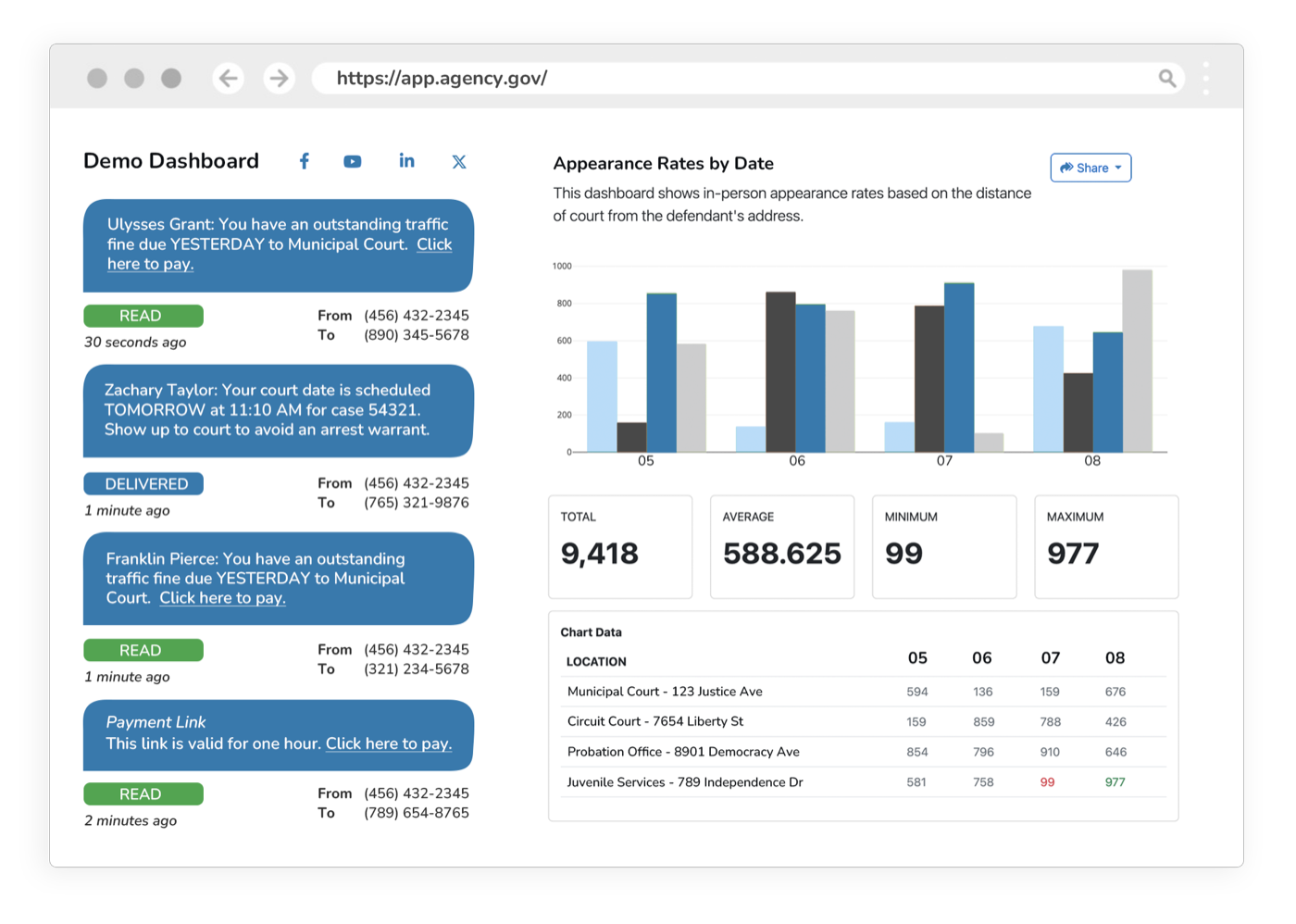
The monthly report shouldn’t be a monthly fire drill.
Someone exports data, formats a spreadsheet, figures out who needs it, and emails it around, every cycle. People leave, distribution lists go stale, and numbers arrive late. Reports put any metric on a schedule and deliver it to the right roles automatically, so reporting runs itself.
What it does
Every capability inside Reports: built in, configurable, and connected to the rest of the platform.
Custom Reports
Report on any data your agency tracks. Build it once on the fields and filters you choose.
Recurring Schedules
Run reports daily, weekly, monthly, quarterly, or yearly. Set it once.
Role-Based Recipients
Send to specific emails or to user roles mapped to your OAuth/SSO, so the list maintains itself.
Automated Email Delivery
Results are emailed to recipients automatically the moment each report runs.
Threshold Monitors
Monitor any metric and trigger an alert when it crosses a line, like FTA or disposition rate below target.
Multichannel Alerts
Notify the right people by email, SMS, or in-dashboard, routed to user roles via SSO.
Export & Archive
Deliver as PDF or CSV, share a link, and archive every run.
Outcomes
Hands-off
Reports run and deliver on schedule
By role
Recipients maintain themselves via SSO
On time
No more manual export-and-email
Reports inherits the whole platform
Security, accessibility, configurability, and language access are not add-ons. Every product runs on the same government-grade foundation.
Security & Compliance
CJIS, FIPS 140-3, AWS GovCloud, SSO, and complete audit trails.
Accessibility
WCAG 2.2 AA, ADA, and Section 508 across every interface.
Configurability
Per-jurisdiction rules, templates, branding, and role-based access.
Language Access
100+ languages with automatic detection on every channel.
Works with what you already run
Reports syncs bi-directionally with your case management system. It connects, it doesn’t replace.
Explore more of the platform
Every product shares the same data, security, and integrations. Add one and it’s already connected.
Data Dashboards
Real-time dashboards on your eCourtDate data: private and secure, or public and shareable.
Learn moreAI Analytics
Pipe in any data, ask it questions in plain language, and forecast what’s next.
Learn moreCase Management
One modern record for every case, shared across communications, filings, payments, and supervision.
Learn more
Reports questions, answered
What can we build a recurring report on in eCourtDate?
Can we get alerted when a metric crosses a line instead of waiting for the report?
How do we keep report distribution lists from going stale when staff change?
Does Reports work with our single sign-on provider?
See Reports in action
Get a demo tailored to your agency: the product, the integrations, and the security in one session.